StepWorks launch
StepWorks launches June 16
The countdown is on for the public launch of our digital work instructions platform for manufacturing teams.
Launching in
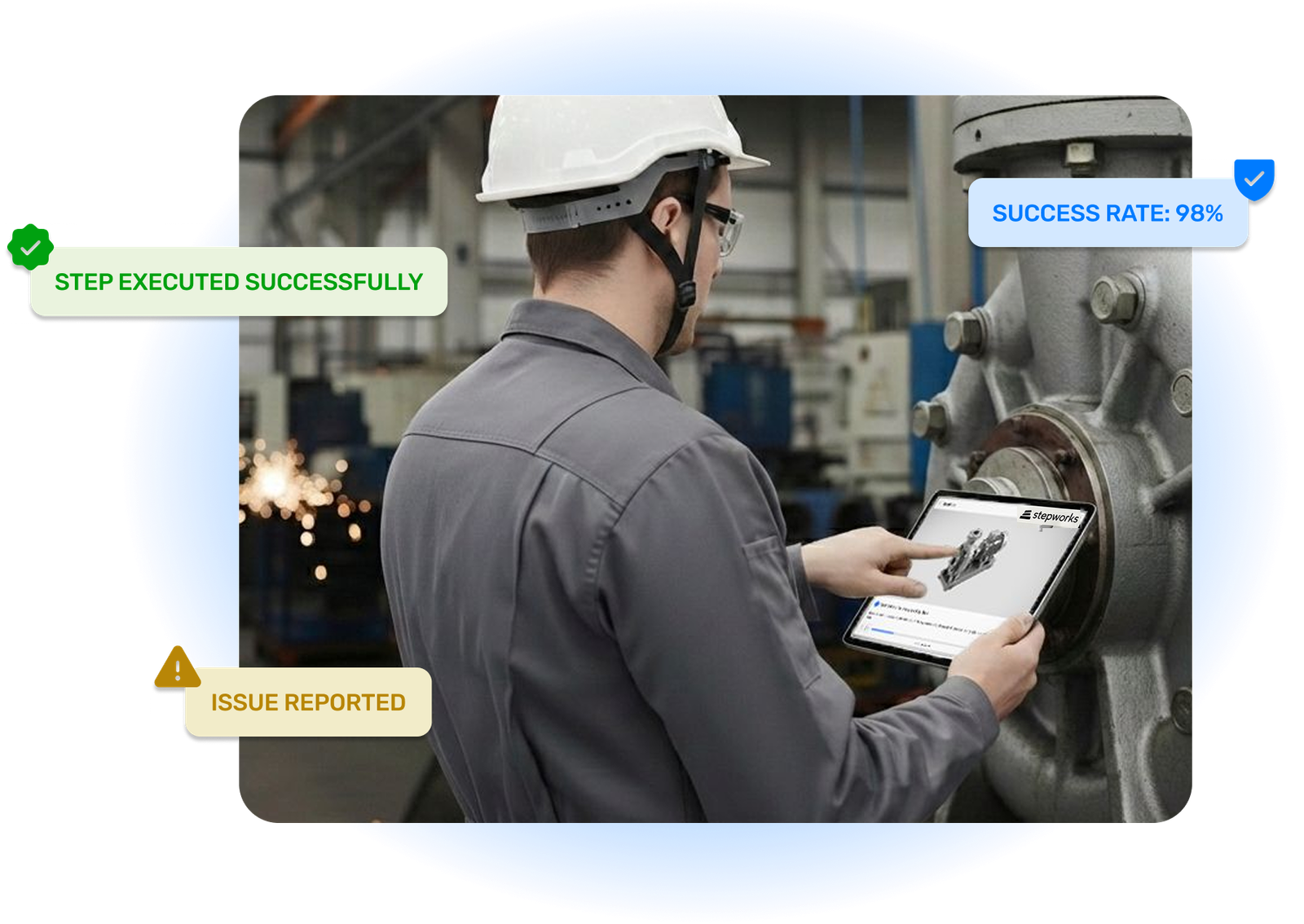
Why manufacturing teams switch to StepWorks

Prevent errors before they happen
Give operators controlled, visual instructions instead of scattered PDFs, screenshots, and tribal knowledge.

Create procedures faster
Turn CAD, legacy documents, and recorded workflows into digital SOPs without rebuilding every step by hand.

Train with confidence
Use interactive guidance to help new technicians understand the work before they perform it on the line.

Scale one standard everywhere
Publish once, update instantly, and keep every site, team, and device aligned with the latest procedure.
Start from the knowledge you already have
Start with the assets your team already uses: CAD, manuals, videos, and the know-how on the floor. StepWorks turns those inputs into guided procedures that are easier to execute, verify, and keep current.
Bring in legacy documents
Convert manuals, PDFs, and SOPs into controlled instructions instead of leaving critical knowledge buried in folders.
Capture real workflows
Record the work once and use StepWorks to turn that process knowledge into clear, editable steps.
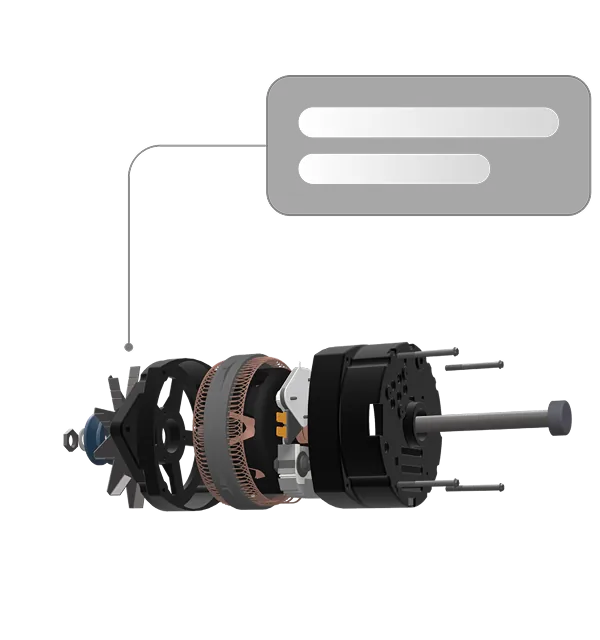
Then guide, verify, and scale the work
Create instructions people understand
Combine text, photos, annotations, and interactive 3D so each step shows the operator exactly what to do, where to look, and what good execution looks like.
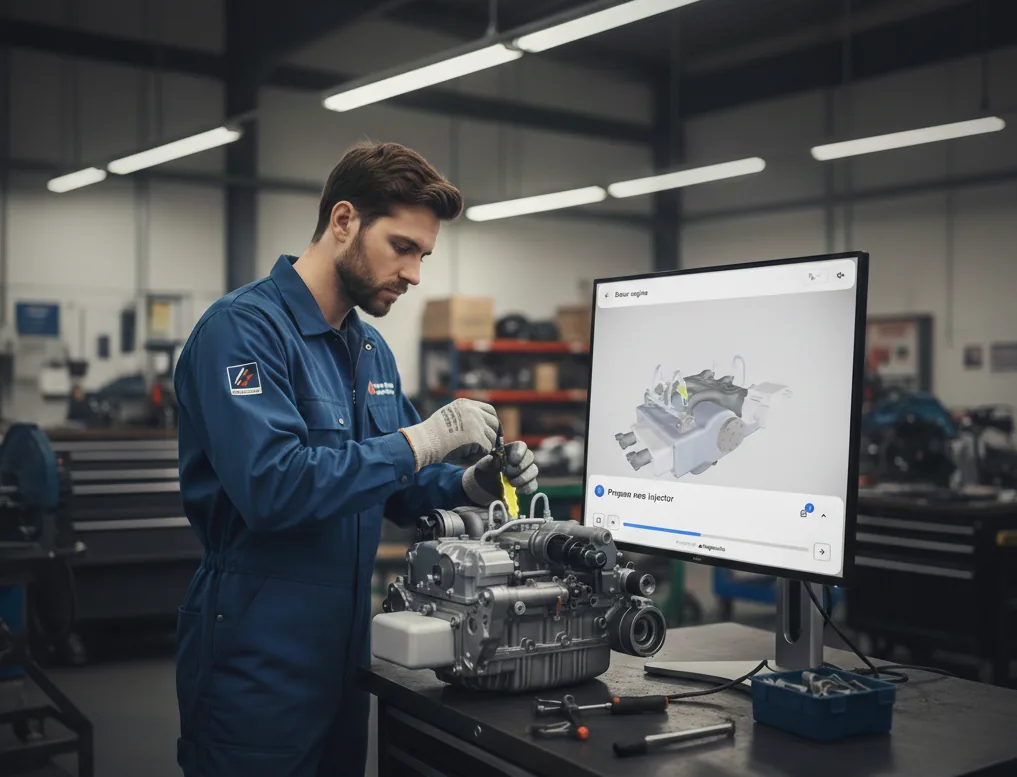
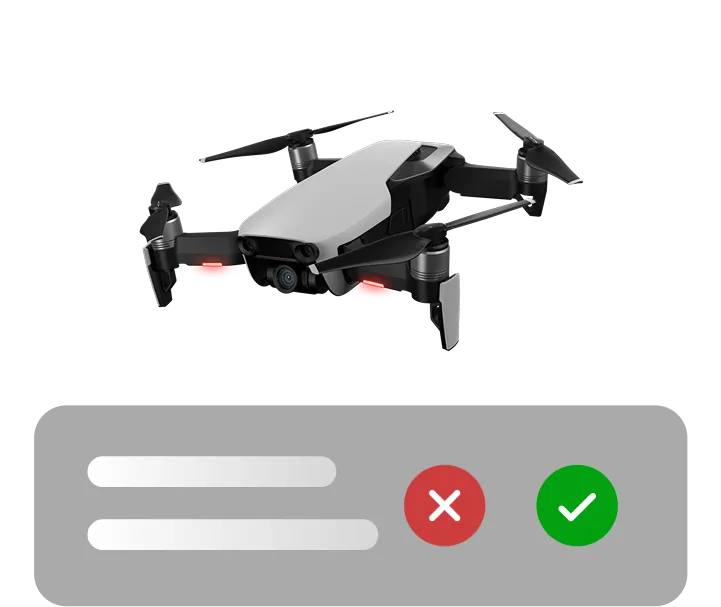
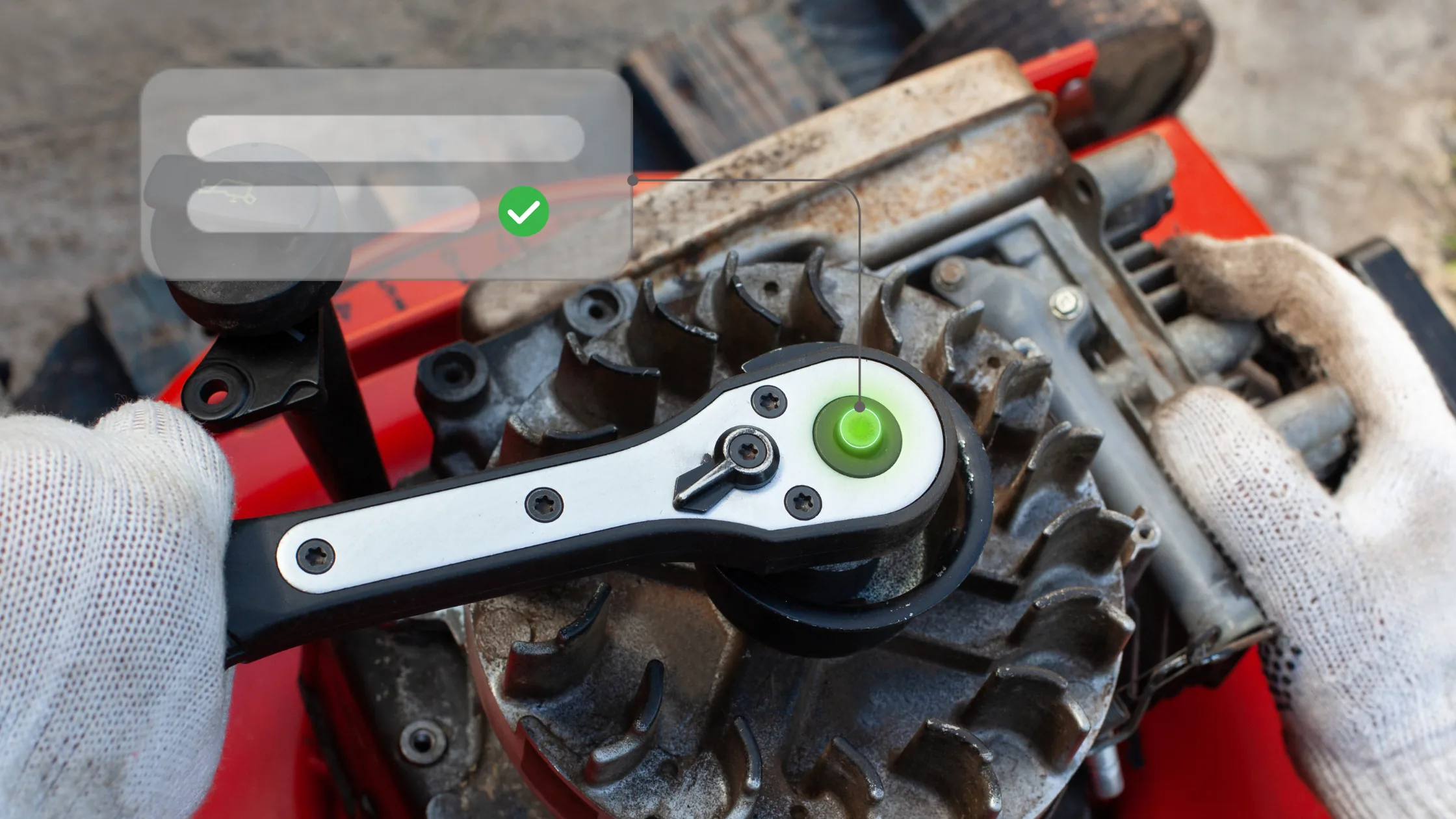
Verify execution and close the loop
Require confirmations, collect photos, and capture feedback from the floor so each procedure becomes a traceable execution record, not just a document.
Publish once, keep every team current
Deliver the same controlled procedure across devices, languages, and locations, with instant updates whenever engineering or quality changes the standard.
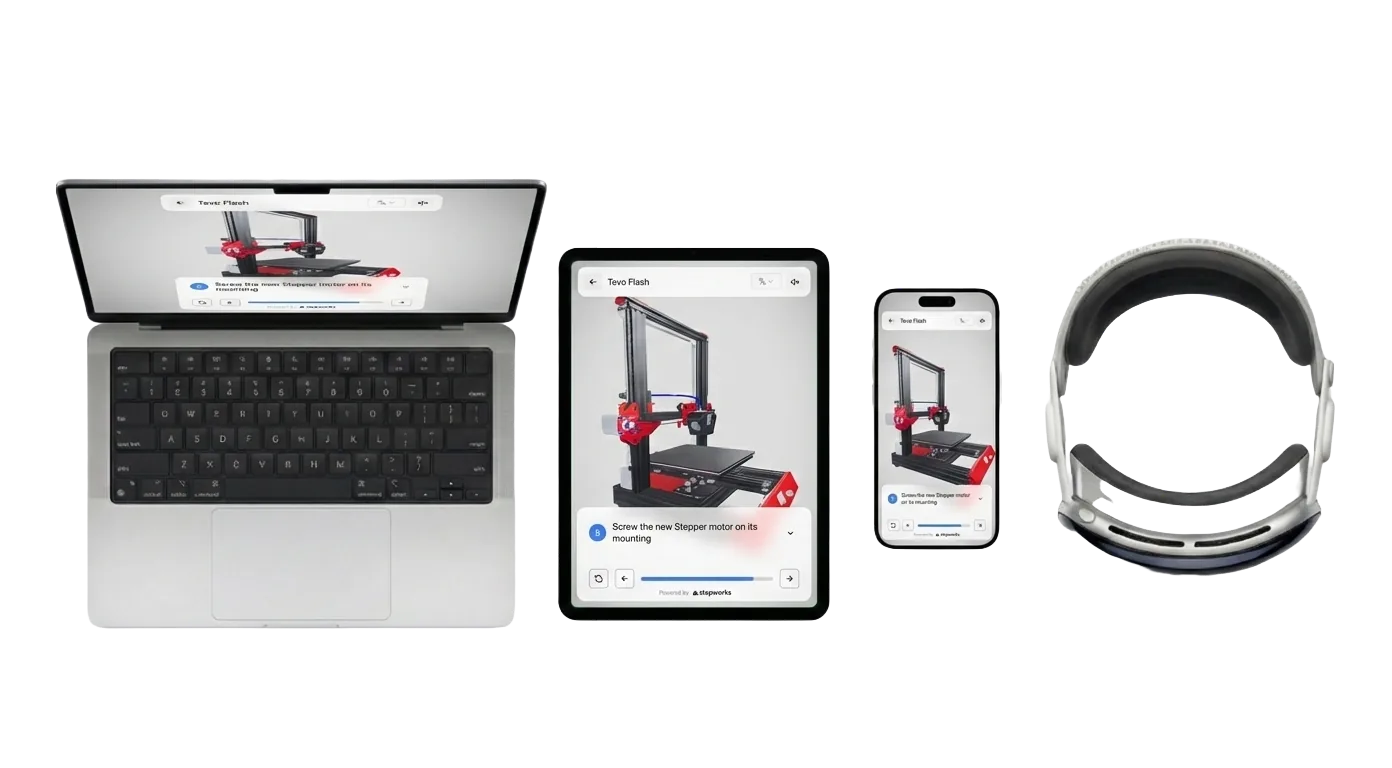
Share on any device
Adapt procedures to desktop, tablet, mobile, and AR headsets so operators always have the latest step-by-step view.
Push updates once and they appear everywhere—no matter where teams are working.
Translate and localize
Translate procedures to any language in one click while keeping the underlying standard consistent.

Questions before launch?
Find quick answers about how StepWorks turns your existing knowledge into controlled digital procedures.
What is StepWorks?
StepWorks is software that helps manufacturers create and manage interactive, 3D work instructions, SOPs, and product user manuals. Procedures can be shared instantly and viewed on any device. Viewers can leave feedback directly in real-time, and every interaction is tracked, giving you data to improve processes, monitor compliance, and ensure consistent execution across your team.
Do I have to have a CAD model of my product to use StepWorks?
No, a CAD model is not required. StepWorks automatically converts CAD models and legacy documents into step-by-step guides with 3D model interactions and animations, but it is also possible to create model-less procedures.
What file formats does StepWorks support?
- CAD formats: glb, fbx, step (BETA)
- Document formats: txt, docx, pdf
What devices are StepWorks procedures compatible with?
Viewers can follow procedures on any computer, mobile device, or tablet, and in augmented reality with Apple Vision Pro.
Does StepWorks support augmented reality?
Yes. StepWorks procedures can be viewed in augmented reality to make training more immersive. Support is currently limited to Apple Vision Pro.
Want to see the full workflow?
Our team can walk you through how StepWorks turns your inputs into controlled work instructions.
Contact Us